Sandbox your AI coding agent
CageClaw runs your AI coding agent inside an isolated Docker container with network lockdown, domain allowlists, and real‑time traffic monitoring. Every connection is logged. Nothing leaks.
Windows · Free · Open source
CageClaw runs your AI coding agent inside an isolated Docker container with network lockdown, domain allowlists, and real‑time traffic monitoring. Every connection is logged. Nothing leaks.
Windows · Free · Open source
AI coding agents run arbitrary code on your machine. They can read your SSH keys, exfiltrate source code, install backdoors, or phone home to any server. You're trusting a model you don't control with full access to your dev environment.
The agent container runs on a Docker internal network with no default gateway. Even hardcoded IP addresses get "Network unreachable". Zero bypass surface.
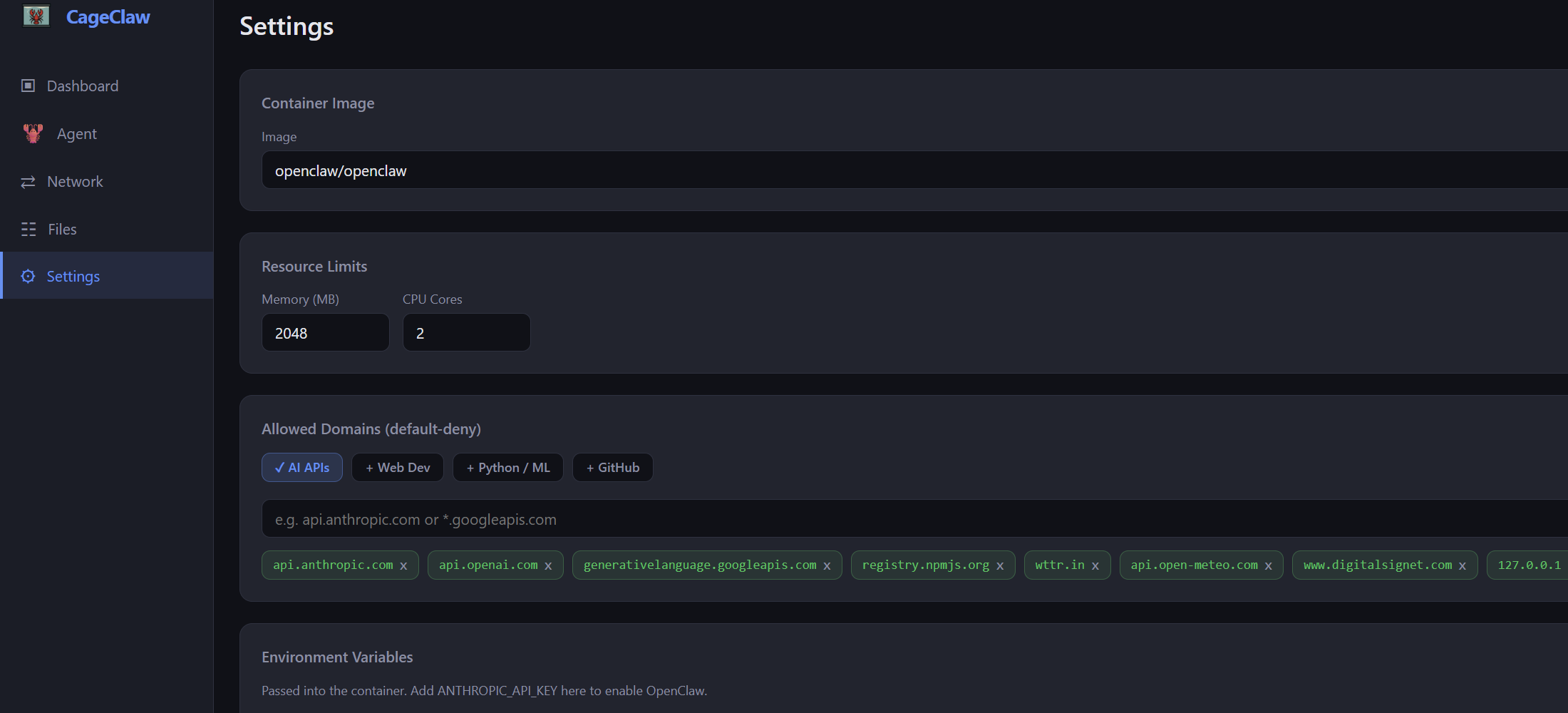
All outbound traffic is forced through a local proxy that checks every request against your allowlist. Only the domains you approve get through.
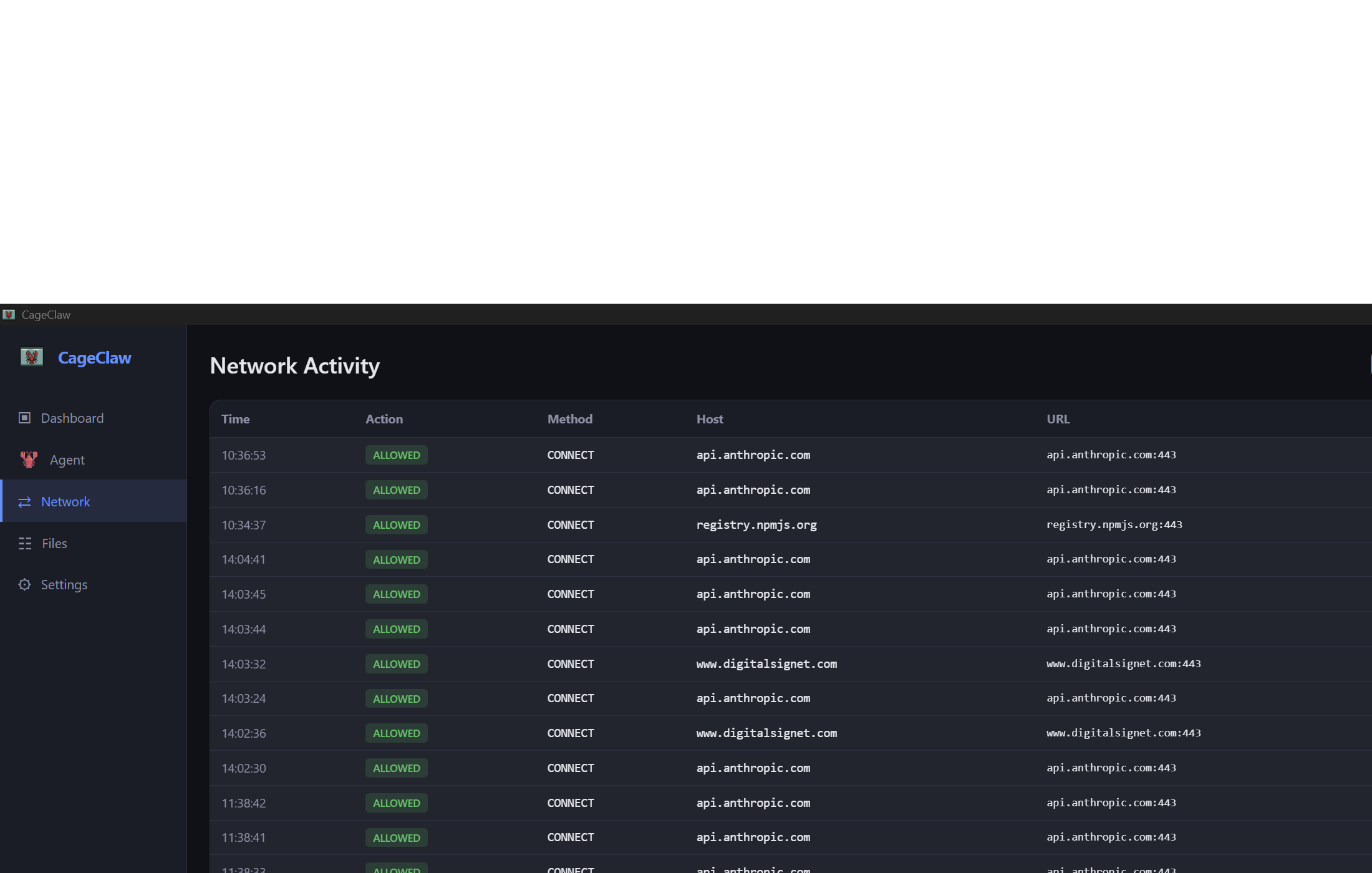
Every HTTP request is logged — method, host, bytes, status, blocked or allowed. A live dashboard shows exactly what your agent is doing on the network.
Sensitive paths (.ssh, .aws, .gnupg,
browser profiles, credential stores) are blocked from ever being mounted
into the container.
Containers drop all Linux capabilities, run with no-new-privileges,
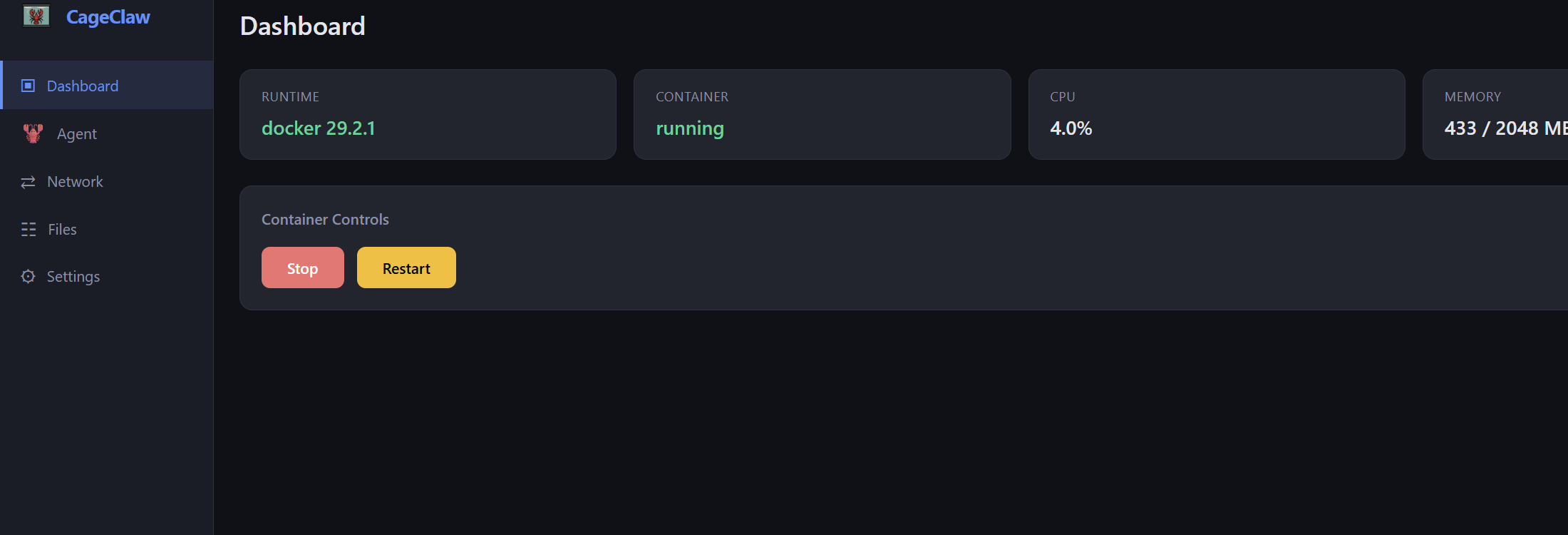
and enforce memory and CPU limits. The agent gets only what it needs.
Security tools that ask for your trust should show their work. CageClaw is fully open source — audit the code, build from source, contribute fixes.
CageClaw creates a Docker internal bridge network. Containers on this network have no route to the internet — not even via raw sockets.
A lightweight sidecar container sits on both the isolated network and the normal bridge. It forwards the agent's UI to your browser and routes outbound traffic to the CageClaw proxy on the host.
The host-side proxy checks every CONNECT and HTTP request against your domain allowlist. Allowed traffic passes through; everything else is rejected and logged.
The CageClaw desktop app gives you a dashboard of all network activity, container controls, and settings — all without touching a terminal.